Free and open source
Your Minecraft server no longer depends on one person.
Pass the host keeps the world in the cloud so anyone in the group can download it, start the server and upload the changes when they're done.
v1.10.3 · Windows · macOS (Apple Silicon) · Linux · All downloads
How it works
Like passing the controller, but with the whole world.
- 01
Download the latest world
The app pulls from the cloud only the files that changed since the last session.
- 02
Start the server
A lock tells everyone else you're the host, so nobody opens it twice or overwrites your world.
- 03
Play and pass the host
When you close it, the changes upload automatically. Next time anyone can open it.
For your friends to join, just share your IP or use a VPN such as Hamachi, Radmin VPN, Tailscale or ZeroTier.
Everything you need to host
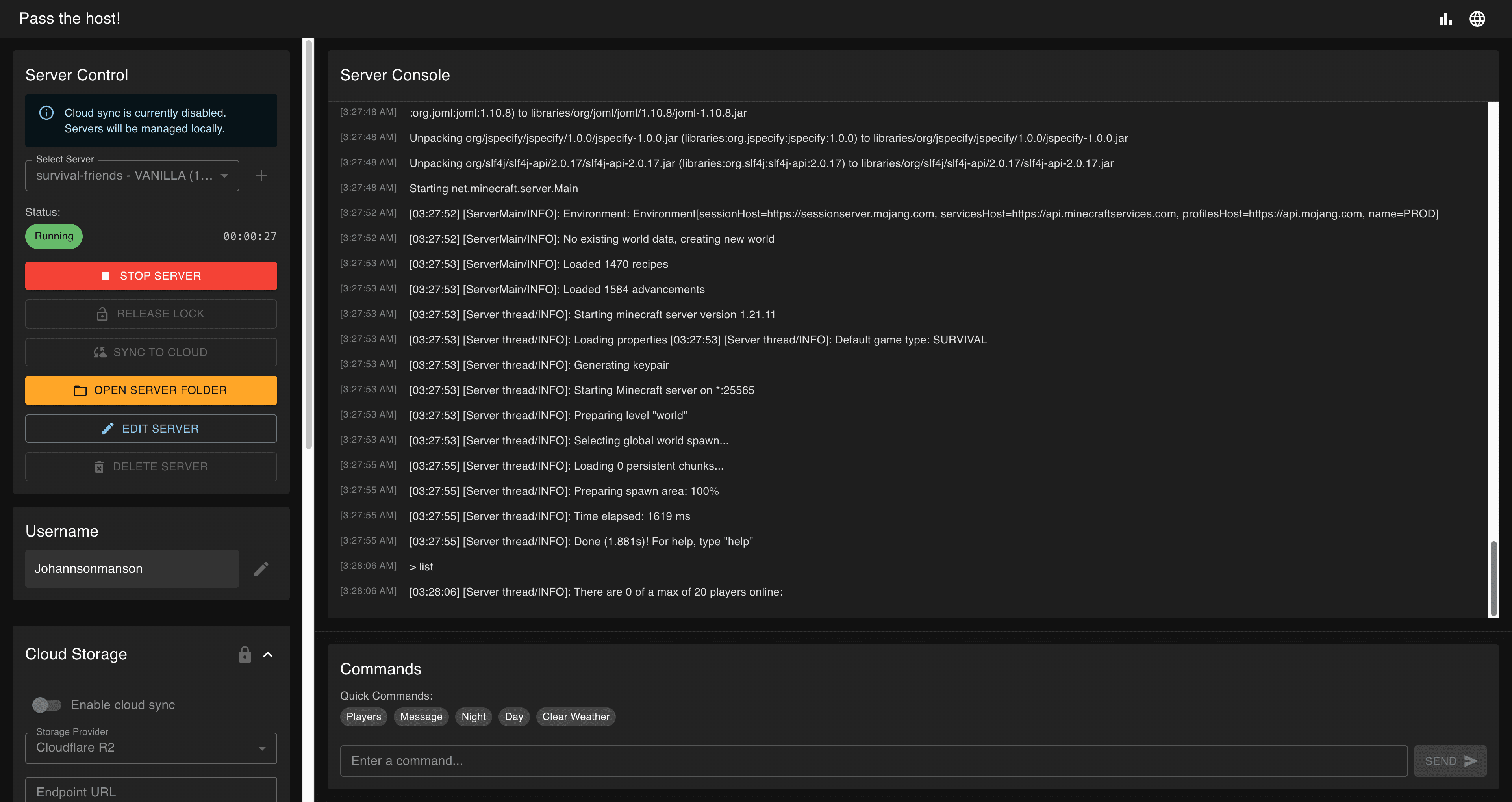
Built-in console
Live logs and quick commands without opening a terminal.
Distributed lock
Stops two people from starting or overwriting the same server.
Differential sync
Compares manifests and transfers only what changed.
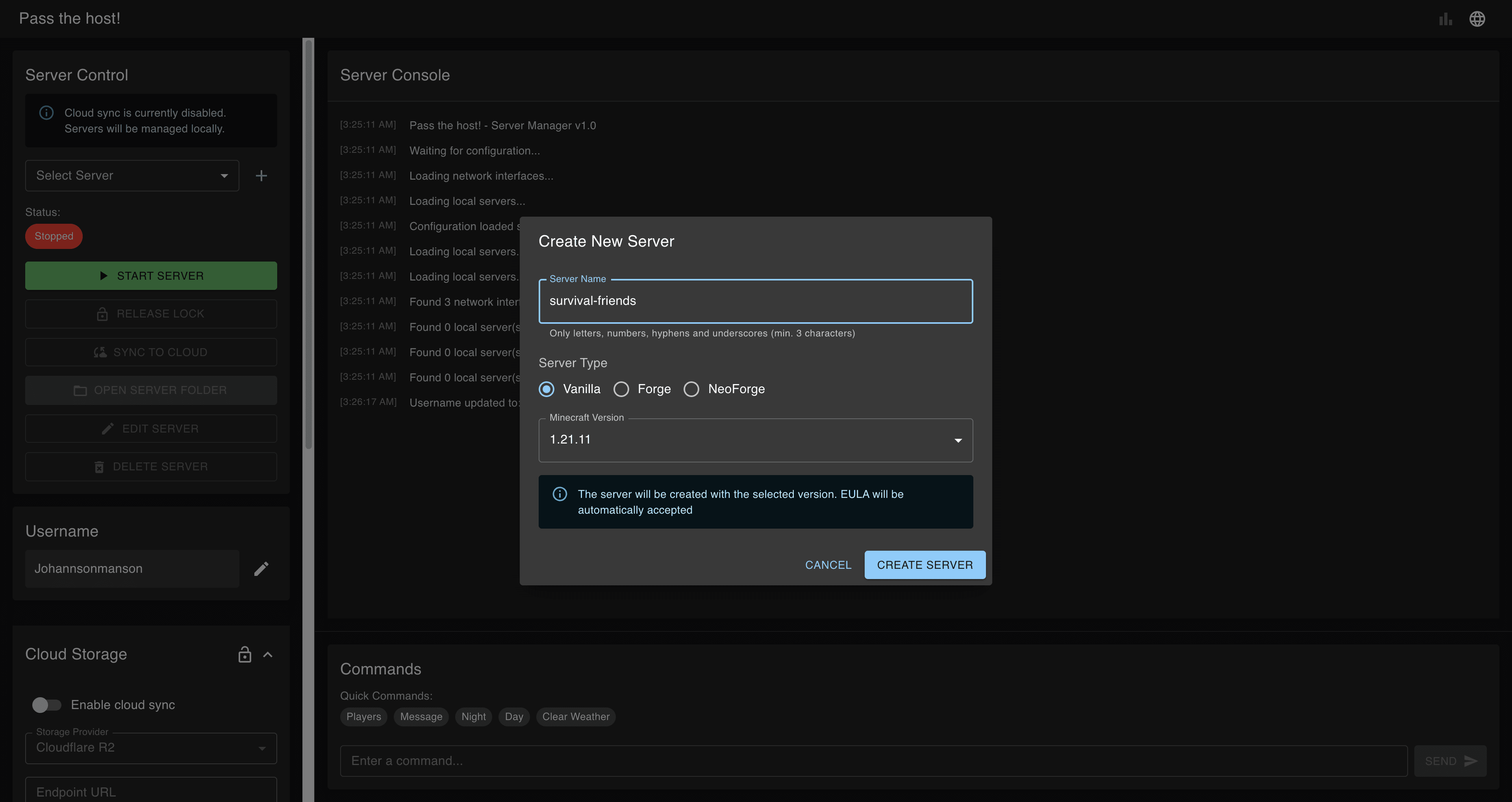
Vanilla, Forge and NeoForge
Create servers with or without mods in a couple of clicks.
Automatic Java
Downloads the right Java version for each Minecraft version.
Session stats
Who hosted, when, and how many hours each person has played.
Your cloud, your data
Pass the host has no servers of its own. Worlds live in the storage you choose.
S3-compatible storage
FastestConnect any bucket with your access keys. It's the fastest option for uploading and downloading your worlds.
- Cloudflare R2
- AWS S3
- MinIO
- Backblaze
- DigitalOcean
Google Drive
NewSign in with Google and share a server's folder with your friends. Anyone with access can host it, no keys or buckets needed.
The app only uses Drive to store your servers' files. Privacy policy
Frequently asked questions
Is Pass the host free?
Yes. The app is free and open source under the MIT license. The only thing you might pay for is cloud storage, but Google Drive or Cloudflare R2's free tier is usually enough for a Minecraft world.
Do I need to pay for hosting or run a dedicated server?
No. The server runs on the computer of whoever hosts that session. The world is stored in your own cloud storage, so nobody in the group has to leave their PC on.
How do my friends connect to the server?
The host shares their public IP (forwarding port 25565 on their router), or everyone joins the same VPN, such as Hamachi, Radmin VPN, Tailscale or ZeroTier, and connects to the IP that VPN assigns to the host.
What happens if two people try to open the server at the same time?
They can't. When the server starts, the app creates a lock in the cloud that shows who is hosting. Nobody else can open it or overwrite the world until that person closes it and uploads the changes.
Which Minecraft versions and mod loaders are supported?
Minecraft Java Edition servers: Vanilla, Forge and NeoForge. The app automatically downloads the Java version each Minecraft version needs.
Which operating systems does it run on?
Windows, macOS (Apple Silicon) and Linux (AppImage, deb and snap). The interface is available in English and Spanish.
Where are my worlds stored?
In the storage you choose: Google Drive or any S3-compatible bucket, such as Cloudflare R2, AWS S3, Backblaze B2, DigitalOcean Spaces or MinIO. Pass the host has no servers of its own and never receives your files.